

Introduction
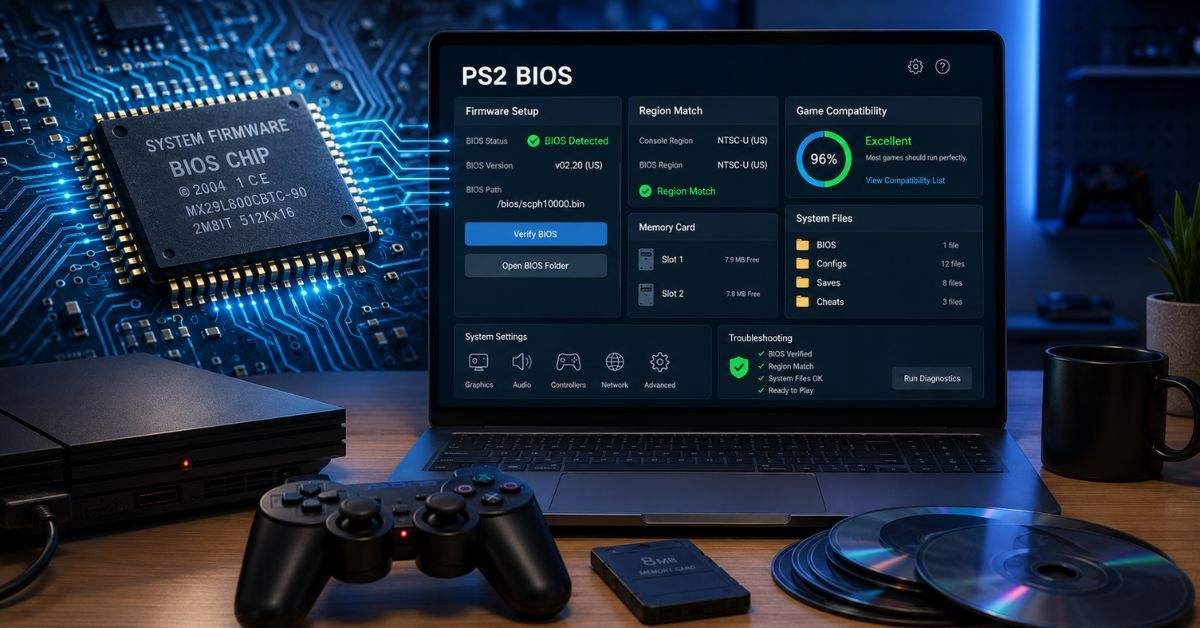
Many people want to replay classic PlayStation 2 games on a computer, but they often get confused when an emulator asks for the PS2 BIOS. This file is not a game. It is the system firmware that helps the emulator act more like a real PlayStation 2 console. Without it, many games may not start, or the emulator may show an error before anything loads.
In 2026, PS2 emulation is more popular because old discs, consoles, and memory cards are becoming harder to use. Emulators make it easier to enjoy older games with better resolution, save states, controller support, and smoother setup. Still, users must understand the legal and safe way to use console firmware. Random downloads from unknown websites can cause copyright problems, malware risks, and broken emulator files. This guide explains the PS2 BIOS in clear language, shows why it matters, and gives safe troubleshooting tips for beginners.
What Is PS2 System Firmware?
The PlayStation 2 has built-in software inside the console. This software helps the system turn on, load settings, read discs, manage memory cards, and prepare games to run. In an emulator, this same system file helps copy the behavior of the real console. The PS2 BIOS works like the startup brain of the PlayStation 2. It does not include full games, characters, levels, or music. It only supports the system functions that let games load correctly. A common mistake is thinking that emulator firmware is the same as a ROM or ISO. It is not. A game file contains the game. Firmware contains the console’s system instructions. That is why it must be handled more carefully.
Why Emulators Need It
PS2 emulators, such as PCSX2, try to recreate how the original console worked. Some parts can be created through emulator code, but the console firmware helps with greater accuracy. It supports boot screens, region settings, memory card functions, and game startup behavior. The PS2 BIOS helps the emulator understand how a real PlayStation 2 would respond when a game starts. This information is important because PS2 hardware was complex for its time. Some games depend on very specific system behavior.
It can help with
- Starting games correctly
- Reading system and memory card settings
- Improving compatibility with older titles
- Reducing boot errors and black screen problems
If the emulator cannot find valid firmware, it may refuse to run games. This does not always mean your computer is weak. It often means the setup folder is wrong or the required system file is missing.
Legal and Safe Use
The safest way to use a PS2 BIOS is to back it up from your own PlayStation 2 console. This means you are using your own system file instead of downloading someone else’s copy from the internet.
Many websites offer quick downloads, but those files may be unsafe or illegal. They can also be damaged, fake, or packed with unwanted software. Even if a website looks clean, you cannot always know what is inside the file. This guide does not give legal advice, because rules can change by country. Still, the best practice is simple: use your own console firmware and keep it private.
Common File Types You May See
A proper firmware backup can include more than one file. Some users may see file names ending with .bin, .rom0, .rom1, .rom2, .erom, or .nvm. Different console models and dumping tools may create slightly different file sets. Do not rename files unless the emulator guide tells you to. If the emulator cannot detect the files, the problem is usually the folder path, a damaged backup, or an incomplete dump.
The PS2 BIOS files should be kept separate from game files. A clean folder system makes setup easier and prevents mistakes. For example, you can create one folder for firmware, one for games, one for memory cards, and one for save states.
Region Matching Explained
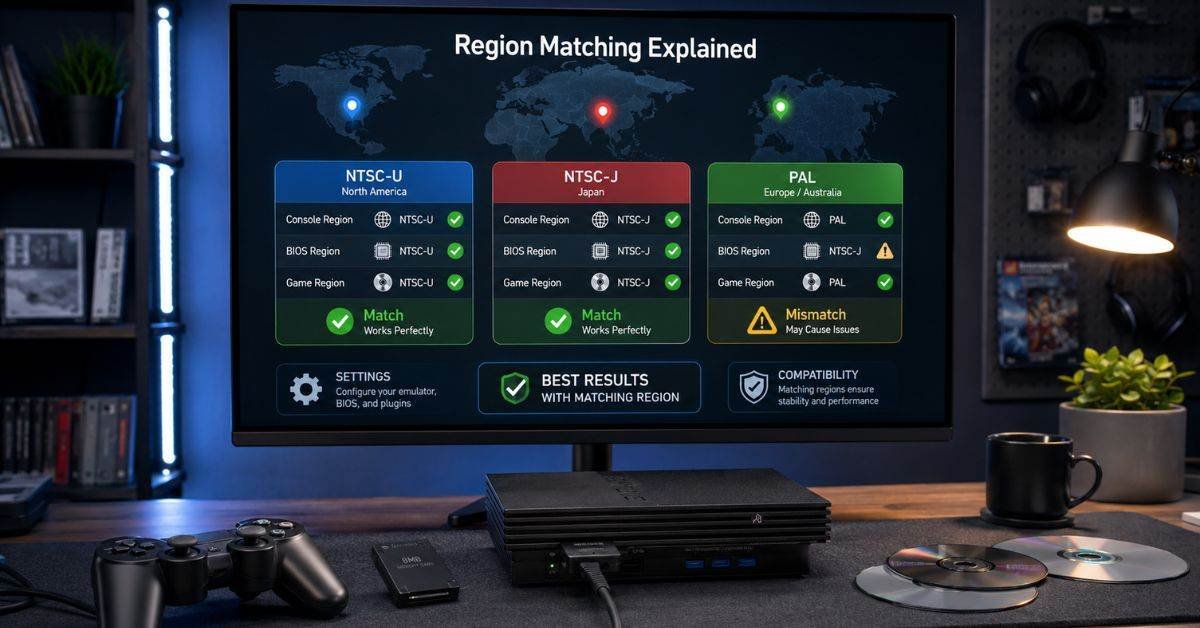
PlayStation 2 games were released in different regions, such as North America, Japan, and Europe. Firmware can also belong to different regions. In many cases, emulators can still run games even if the region does not perfectly match. However, some games may work better when the firmware region matches the game region. For beginners, this means you should not panic if your setup has a different region. But if a game shows language issues, boot problems, or strange startup behavior, region matching is worth checking.
Safe Setup Checklist
Before changing advanced settings, check the basic setup. Most beginner problems come from simple mistakes. A missing folder, wrong file path, or incomplete backup can stop the emulator from working.
Use this safe setup checklist:
- Obtain the emulator exclusively from its official website.
- Place your legal firmware backup in the correct folder.
- Keep game files and firmware files in separate folders.
- Avoid “all-in-one” packs from unknown sites
- Update the emulator when stable versions are released
If the PS2 BIOS is not detected, open the emulator settings and choose the correct folder again. Restart the emulator after changing the path.
Common Problems and Easy Fixes
One common problem is the “BIOS not found” message. This means the emulator cannot locate the needed system file. The file may be missing, placed in the wrong folder, or not selected in settings. Another common issue is a black screen after starting a game. This can happen because of a faulty game backup, wrong graphics settings, or a damaged firmware dump. Try another game backup from your disc to see if the issue is only with one title.
If all games fail, check the firmware folder first. If only one game fails, check the game file, compatibility list, or emulator settings. The PS2 BIOS is significant, however it is not the source of every issue.
Performance Myths
Some people search for the “best” PS2 BIOS because they think it will speed up games. In most cases, this is not true. Firmware can affect compatibility, but speed mostly depends on your computer and emulator settings. Better performance usually comes from choosing the right graphics renderer, lowering internal resolution, updating GPU drivers, and using a stable emulator version. A powerful CPU also matters because PS2 emulation can be demanding.
If a game runs slowly, do not replace your firmware again and again. First, test default settings. Then, lower the resolution or turn off resource-intensive enhancements. Texture packs and high upscaling can look appealing, but they can slow down weaker laptops.
Best Practices for 2026
In 2026, the best PS2 emulation setup is clean, legal, and easy to manage. You do not need risky download packs or confusing folders. You need a trusted emulator, your own console backup, and organized files.
Follow these habits
- Keep your PS2 BIOS backup in a safe private folder.
- Write down your emulator version and folder path.
- Use original discs or personal backups where allowed
- Review official emulator notes before changing major settings.
- Back up memory cards and save files regularly
This makes your setup easier to repair if you move to a new computer or reinstall the emulator.
Why This Matters for Classic Gaming
The PlayStation 2 has one of the largest and most loved game libraries ever made. Many players still enjoy racing games, action titles, sports games, RPGs, horror games, and platformers from that era. Emulation helps preserve these experiences when old hardware becomes harder to maintain. The PS2 BIOS plays a small but important role in that preservation. It helps the emulator copy real console behavior, which can make old games feel closer to the original experience.
Responsible emulation is not just about convenience. It is also about respecting the games, the hardware, and the rights connected to them. When users follow safe and legal steps, they help keep retro gaming cleaner and more trustworthy.
FAQs
Is a PS2 BIOS required for PCSX2?
Yes, PCSX2 needs valid PlayStation 2 firmware to boot and run games properly.
Can I download it online?
It is safer to avoid random downloads and back up firmware from your console.
Does region matter?
Sometimes. Matching the region can help with certain games and startup behavior.
Does it make games faster?
Usually no. Speed depends more on your CPU, GPU, and emulator settings.
Could you please let me know why my emulator is not detecting it?
The folder path may be wrong, or the backup may be missing, incomplete, or damaged.
Conclusion
The PS2 BIOS is an important part of PlayStation 2 emulation because it helps the emulator act like the original console. It supports startup behavior, memory card functions, region settings, and game compatibility. Without it, many games may not load correctly. The safest choice in 2026 is to back up firmware from your PlayStation 2 console and keep it private. Avoid unknown download websites, because they can bring legal and security risks. If something goes wrong, check the folder path, file condition, emulator version, region, and basic settings before trying advanced fixes. Keep your emulator, firmware backup, games, saves, and memory cards in different folders for a tidy setup. This simple habit makes classic gaming easier, safer, and more enjoyable.